WOWPASS vs T-money is not simply a choice between two identical transport cards. T-money is a stored-value payment system used for transport and supported purchases. WOWPASS combines a shop-payment balance with an integrated Tmoney transport function. The useful question is whether you need both functions.
The difference that matters at the gate
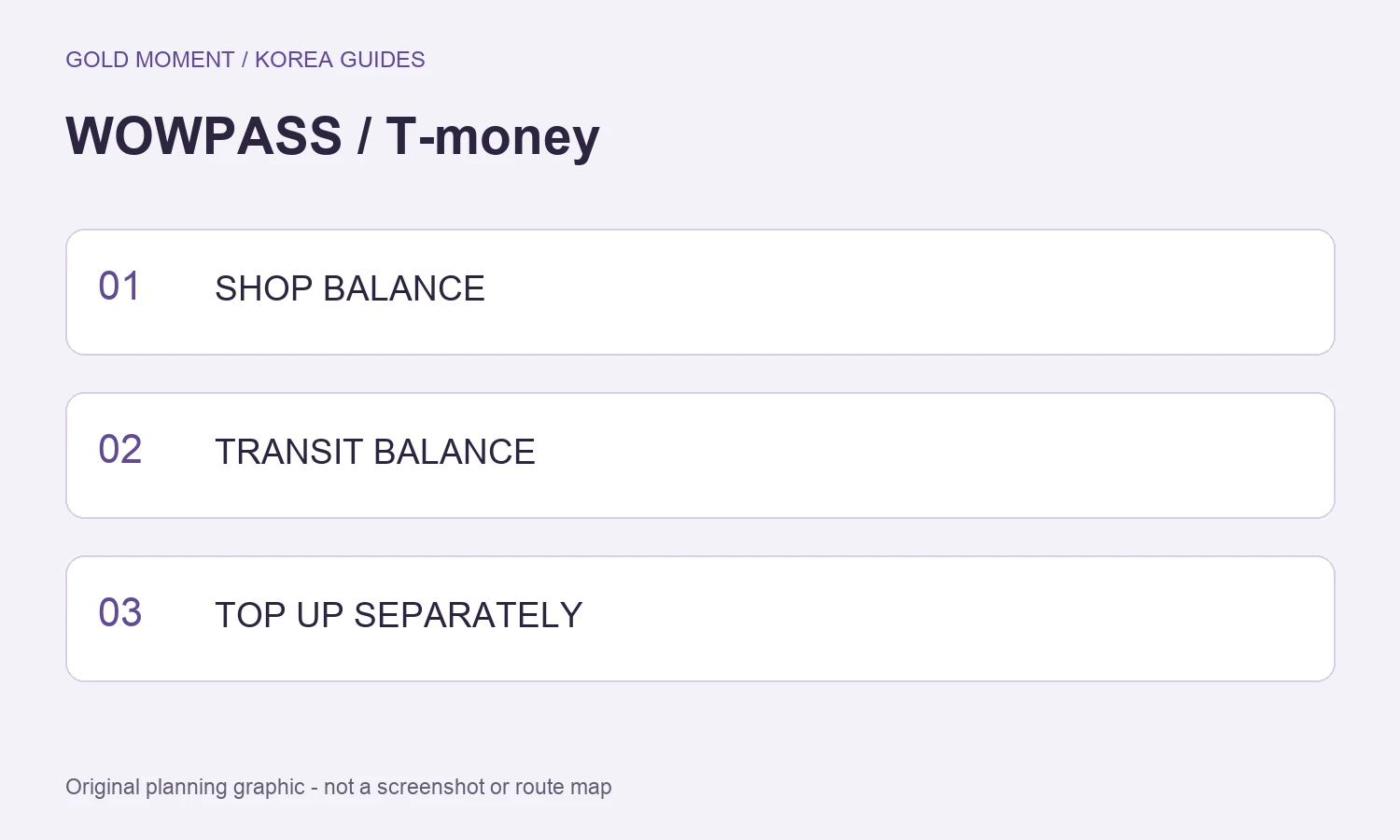
WOWPASS states that its payment balance and Tmoney balance are topped up separately. Money available for a shop purchase is not automatically proof that there is enough transport balance for the subway. Check the transport figure before tapping at the gate.
Think of the physical card as carrying two functions rather than one shared pot of money. When asking for help, say which balance you mean. This prevents a payment top-up receipt from being mistaken for a transport top-up confirmation.
Compare your actual use
Transport-first trip: compare a regular T-money card and its supported routes, purchase cost and reload method. Transport plus local prepaid shopping: compare WOWPASS issuance, supported funding methods, fees and access to its machines or app. Existing working payment card: decide whether another shopping balance adds enough value.
This is a decision framework rather than a claim that one product is cheapest for everyone. Count card issuance and the cost of loading, exchange, withdrawal or refund that applies to your method. Temporary rewards should not be the only reason you choose a card.
Top up the right balance
For WOWPASS, open the current guide or app section for the balance you intend to load. Its site advertises app-based top-ups, while its guide still distinguishes the transport balance. Read the on-screen funding method, charge and confirmation instead of assuming that a feature shown for one balance covers the other.
For a standard physical T-money card, the issuer’s foreigner guide describes presenting the card and Korean-won cash at top-up locations. Mobile Tmoney, Apple Wallet and WOWPASS-integrated features have their own conditions. Do not transfer a mobile-app promise to every physical card and machine.
Refunds are also separate questions
Ask how unused shop funds are withdrawn and how unused transport value is refunded. Confirm the applicable location, balance threshold, fee and required documents. Keep any receipt or app record that identifies the transaction you are querying.
Tmoney’s physical-card guide lists a 500-won refund service fee and says the card purchase price is not included in that refund. Do not apply that statement to every WOWPASS withdrawal or to an unrelated mobile product. Read the rules for the exact balance and card you hold.
If your card is lost
WOWPASS advertises pausing a card through the app. Check the protection and replacement terms, and do not assume that pausing the shopping function recovers every form of transport balance. For any card, decide how much value you are comfortable carrying and retain the relevant support details.
One small top-up can be easier to troubleshoot than loading your entire trip budget before confirming how the card works. After funding, check the intended balance and try a normal use before making further changes.
A short selection checklist
List where you plan to travel, which shop-payment method already works for you, how you can reload, and where you could handle unused funds. Add the issuance and transaction costs from the current screen, not an old promotion. Prefer the product whose features you can actually use.
Keep the transport balance ready before boarding and the accommodation address accessible. Our NAVER Map English guide helps with route planning. This comparison is based on official guidance, not a paid endorsement or a claim that all merchants accept either card.
Sources and review date
Official sources checked on 21 October 2026. Recheck changing prices, conditions and operating notices before use. WOWPASS official guide · WOWPASS current features · Tmoney foreigner guide