English · Español · 日本語 · 简体中文
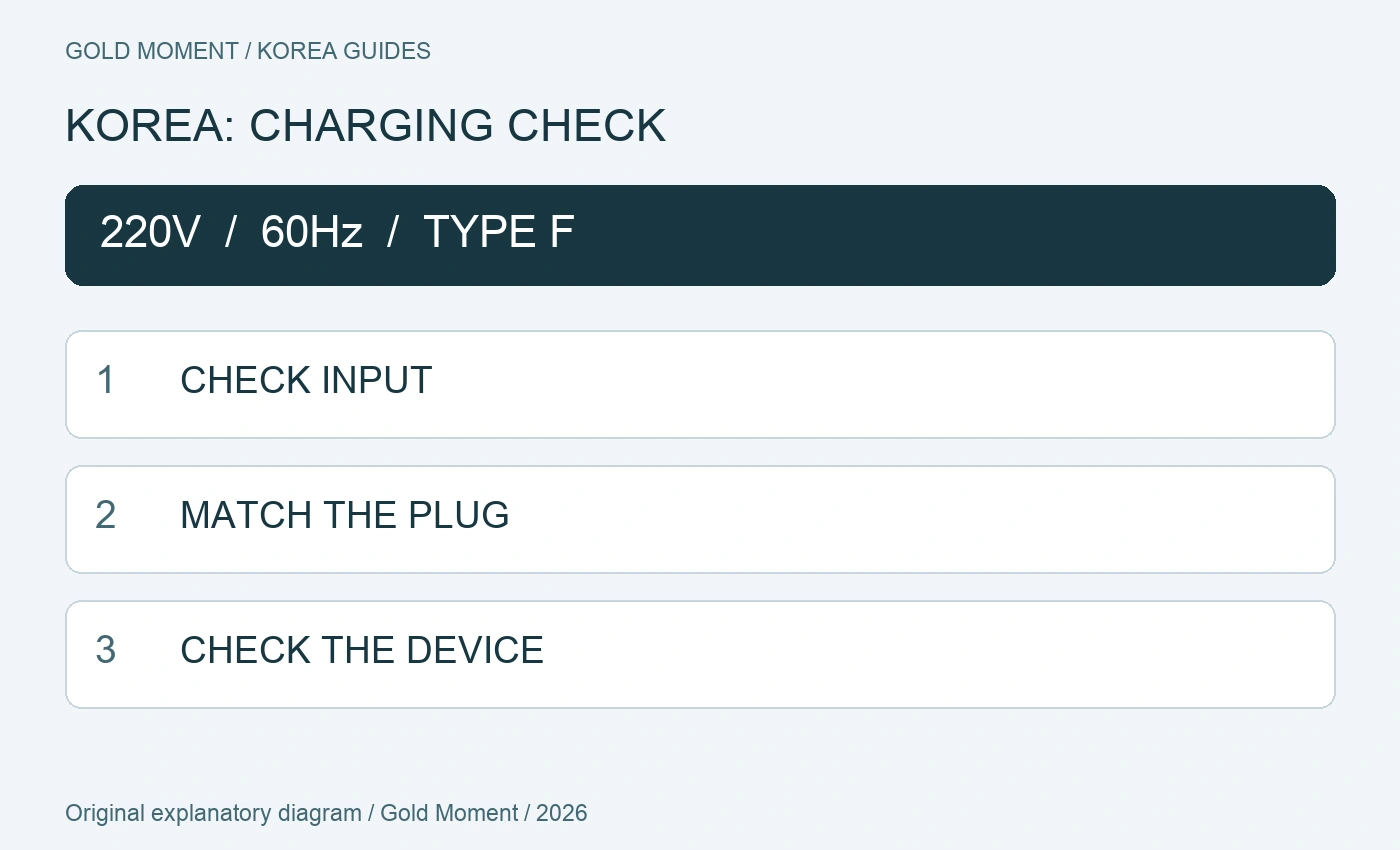
For a trip to South Korea, check the small INPUT label on your charger before buying a travel adapter. Korea uses 220V at 60Hz and round-pin outlets. A plug adapter solves a fit problem; it does not make an incompatible appliance suitable for that supply.
Start with the charger, not your passport
A charger bought in Japan and one bought in Spain may accept the same input range even though their plugs look different. The reverse is also possible: a familiar-looking plug says nothing about the appliance behind it. Check each charger and appliance separately.
VISITKOREA describes the local supply as 220V, 60Hz with two round holes. Electrical Safety First identifies Type F for South Korea. Look for an adapter explicitly listed for South Korea, check that it accepts your own plug, and preserve any protective earth connection the device requires. A vague “Europe” label is less useful than a clear compatibility specification.
Read INPUT, not USB OUTPUT
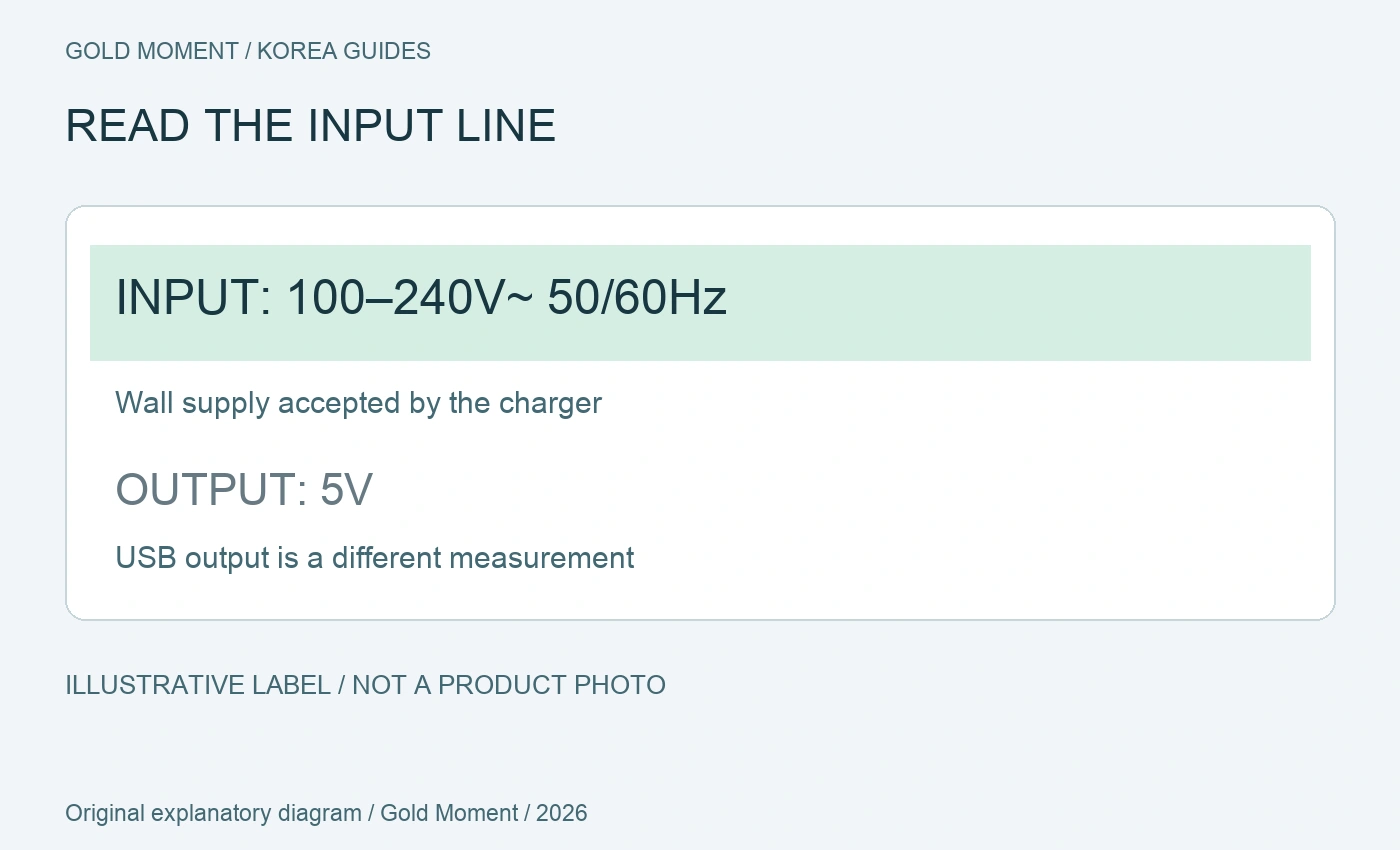
On a phone or laptop charging brick, find the line marked INPUT. An example reading “100–240V~ 50/60Hz” includes Korea’s supply. If the plug does not fit, a suitable plug adapter may be all that is needed; the charger itself handles the stated input range.
The other side may say OUTPUT 5V, 9V or 20V. Those figures describe power going to the device, not the wall supply the charger accepts. Do not use an output number to decide whether the charger can connect to a Korean outlet. The label diagram below is an invented teaching example, not a photograph of an approved product.
Adapter or converter? Three examples
Use the table as a way to sort your bag, not as approval for an unidentified appliance. For a model with a voltage selector, follow its own manual before connecting it. If the label is worn or unclear, look up the exact model instead of guessing from another product in the same brand.
Apple lists 100–240V, 50–60Hz for its USB power adapters. That is a manufacturer example, not evidence that every USB charger or travel appliance accepts the same range. SKROSS also tells users to verify the nameplate rather than assume compatibility.
| Label on your device | Decision before packing |
|---|---|
| 100–240V, 50/60Hz | Input range includes Korea; check plug fit and manufacturer instructions. |
| 100V only or 120V only | Do not connect through a plug adapter alone. Confirm a model-specific solution. |
| 220–240V but frequency unclear | Check 60Hz support and the manufacturer’s instructions. |
What about hair dryers and straighteners?
Treat heat-producing appliances as a separate packing decision. Check the exact model’s voltage, frequency and power requirements and the manufacturer’s travel instructions. A small phone-plug adapter is not automatically suitable for a hair tool.
If the appliance does not support the local supply, ask the manufacturer about an approved solution or use a compatible appliance at your destination. Electrical Safety First notes that converters also have power limits and that a frequency difference can matter. “Buy any converter” is not a sufficient plan.
A useful charging kit for your room
Make a short list: phone, laptop, camera and any other device you actually need. Beside each one, record its input range, plug shape and cable. This exposes missing items before you pack three adapters but forget the laptop cable.
For a multiport USB charger, check its own input and the power available when several ports are used. Decide which device needs charging overnight and which can wait. A power bank can be useful between outings, but it still needs a compatible charging arrangement in the room.
If you arrive without an adapter
VISITKOREA suggests asking the hotel about borrowing or buying an adapter and mentions shops as another option. Availability is not guaranteed, so ask your accommodation in advance if you intend to rely on a loan.
A useful message is: “Does the room have an outlet or adapter compatible with this plug?” Attach a clear photo of your own plug and INPUT label. Ask separately about a hair dryer if you plan to leave yours at home.
Before closing your suitcase
Check each INPUT label; match the adapter to South Korea and your plug; keep any required earthing; pack the correct cables; and resolve incompatible appliances before departure. Store the adapter with the charger you intend to use so the pair is easy to find on arrival.
Once charging is sorted, our Korea eSIM and NAVER Map guides help with the next two arrival tasks: getting connected and finding the route. This guide was researched from official and manufacturer information on 21 October 2026; it is not a hands-on product test.
Continue planning
Korea eSIM guide · NAVER Map in English
Sources and review date
2026-10-21 · VISITKOREA: electricity · Electrical Safety First: South Korea · SKROSS: adapters and voltage · Apple: USB power adapters